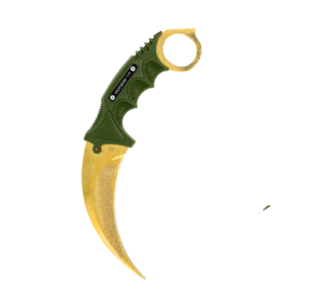



Review the price
Check each skin's value and the total before creating the offer. You can stop if you disagree.

See the price before trading, confirm the offer on Steam, and follow its status in your account. After 7 days of protection, payout becomes eligible from day eight and is handled manually.


Methods and fees depend on availability shown before the offer.
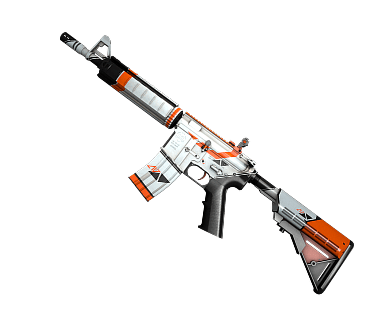
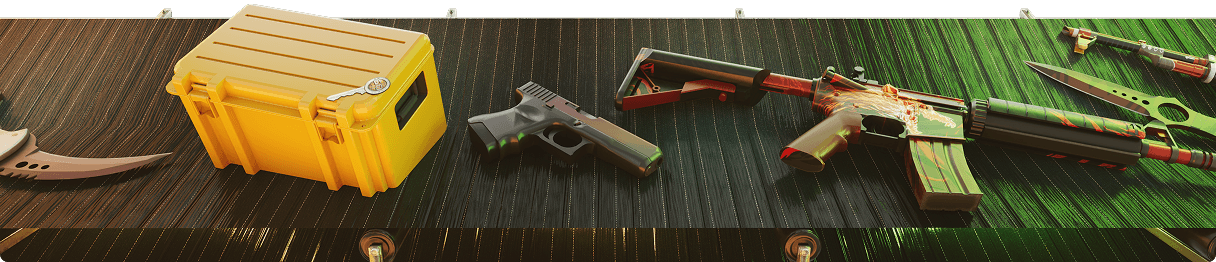
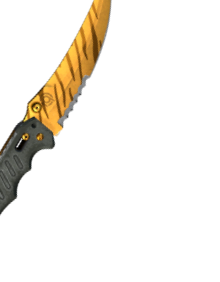
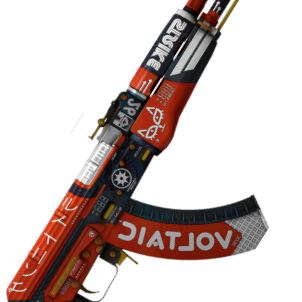
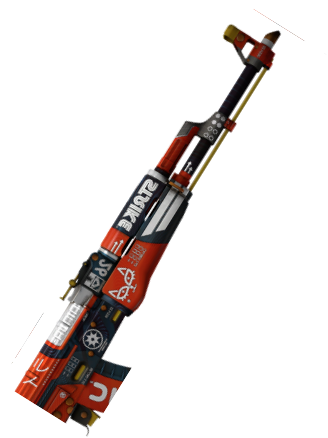
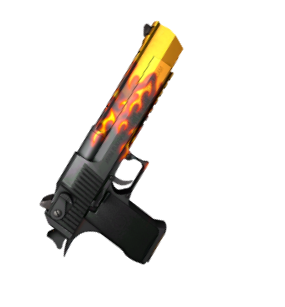
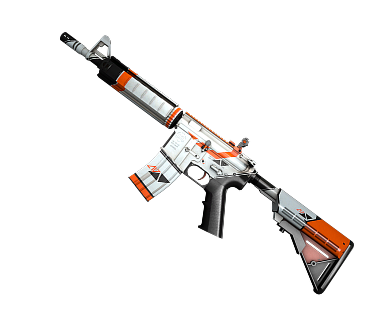
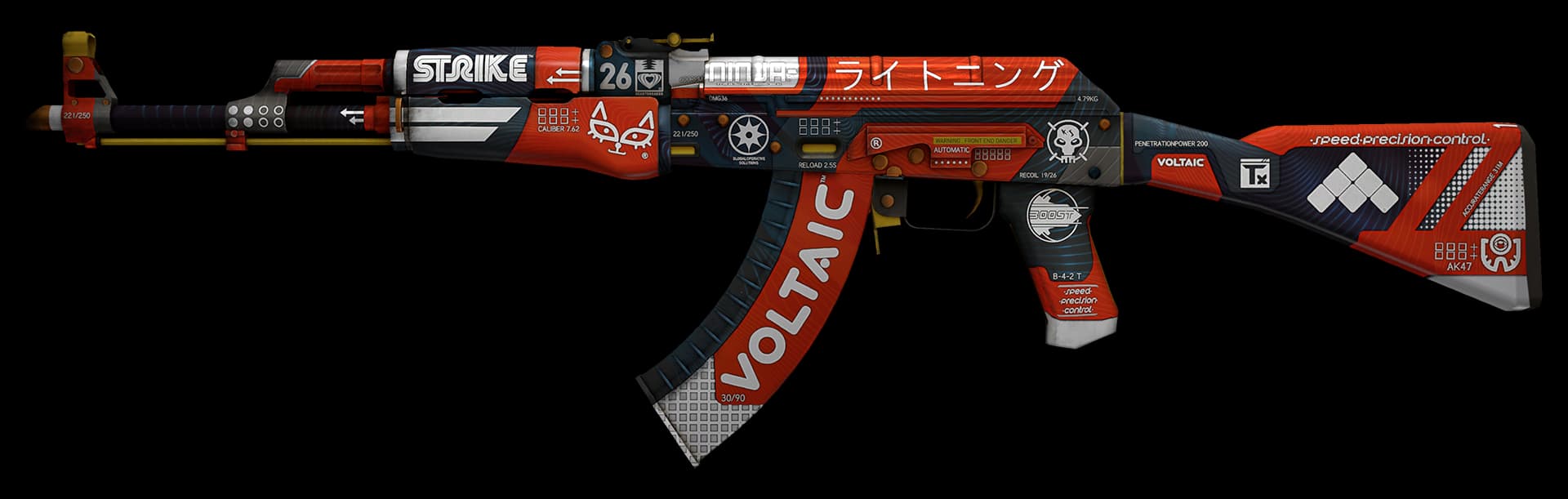
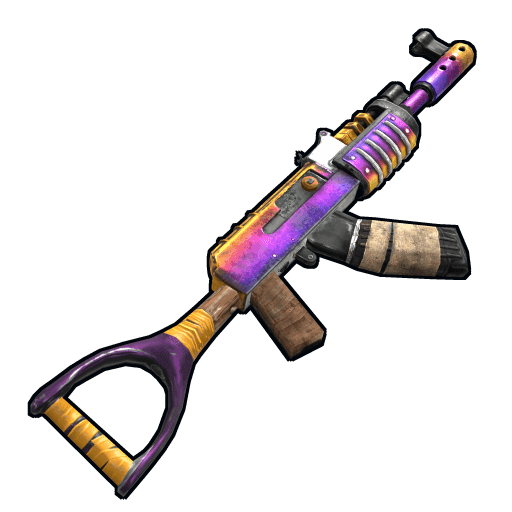
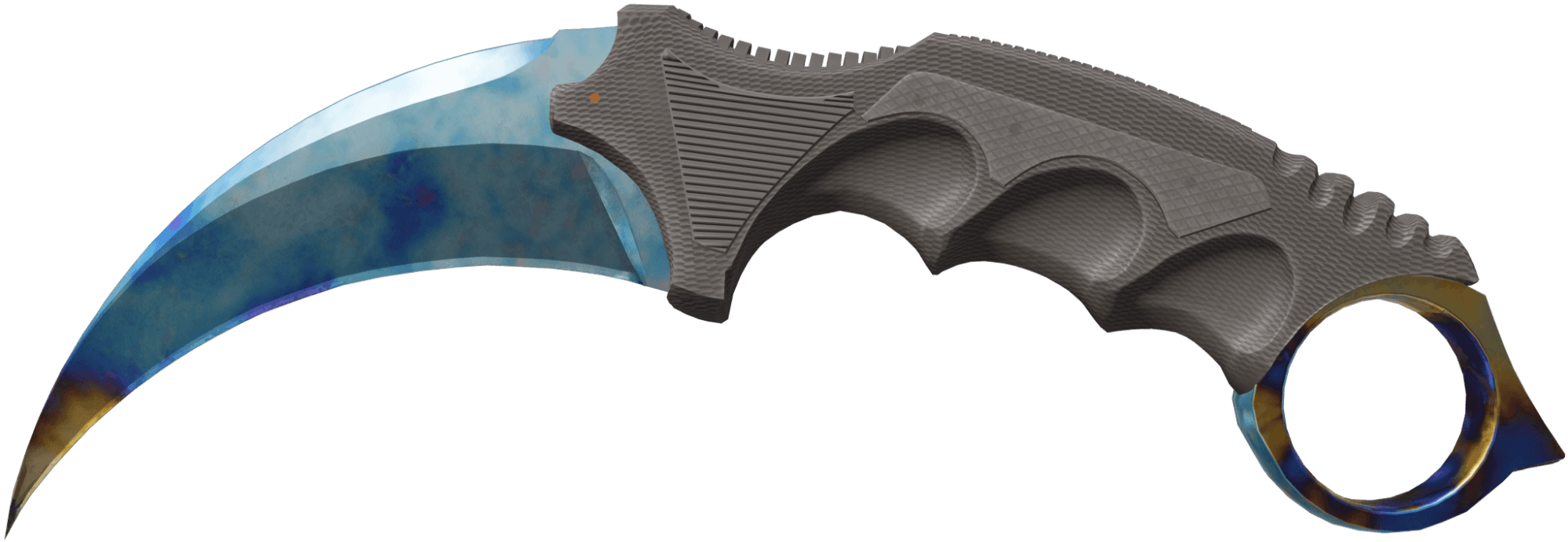
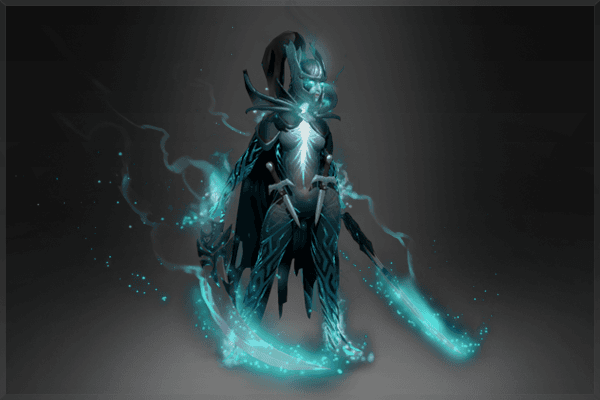
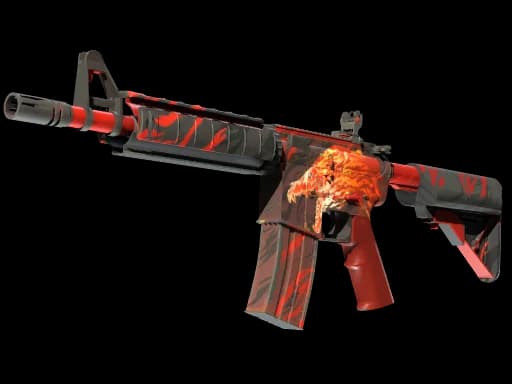
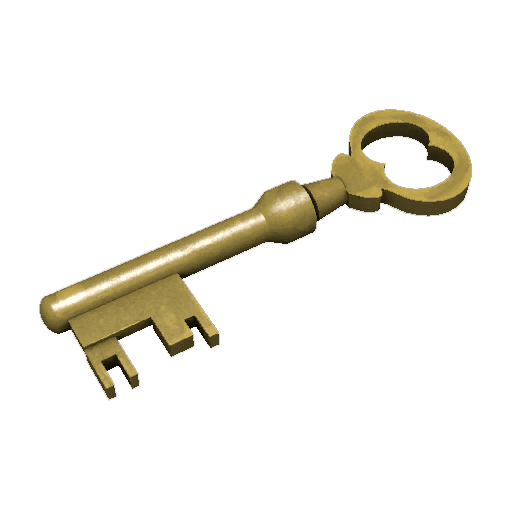
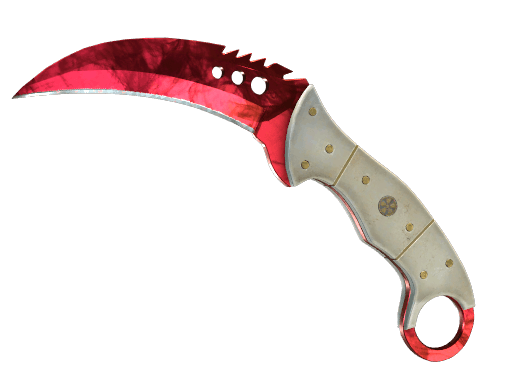
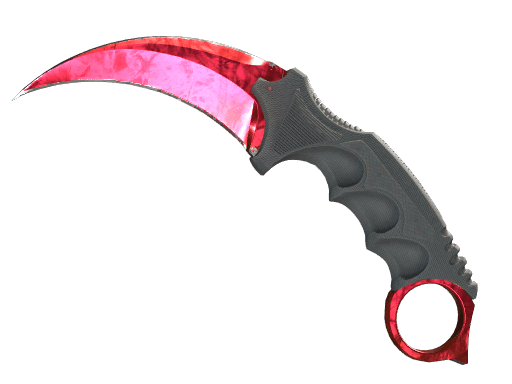
Visual examples from CS2, Rust, Dota 2 and TF2. Eligibility and price are confirmed in your offer.
Three things you can check yourself.
Check each skin's value and the total before creating the offer. You can stop if you disagree.
Compare the Steam ID and security code on the site and in the Steam offer before accepting.
After CS2 protection, payout becomes eligible from day eight and is handled manually.
MB WAY, Payoneer and crypto may be available depending on your location and the sale configuration.
These are illustrative examples. Check active methods, any fees, and the final amount before accepting the offer. Payout becomes eligible from day eight and is handled manually.
Sell skins



Review the amount, confirm the offer on Steam, and track the CS2 payout.
Review each item and the total before creating a Steam trade offer.
The quoted amount is shown before you decide whether to trade.
Ask us about a trade or payout through the support page.
Check active methods and any fees with your offer.
Follow the status in your account after confirming on Steam.
We never ask for your password or Steam Guard codes.
The essentials about prices, trades, and payouts.
Confirm on Steam and track payout after 7 days of protection.